Planning an AWS to GCP Migration?
SquareOps is an AWS Advanced Consulting Partner and GCP Partner with 100+ successful cloud migrations. Get a free migration assessment with cost comparison — delivered in 48 hours.
Get a Free Migration Assessment →Migrating from AWS to GCP isn't just a lift-and-shift exercise — it's a strategic decision that affects your cloud spend, engineering workflows, and operational capabilities for years. Companies that approach it without a structured cost comparison, realistic timeline, and the right migration partner end up spending more than they save.
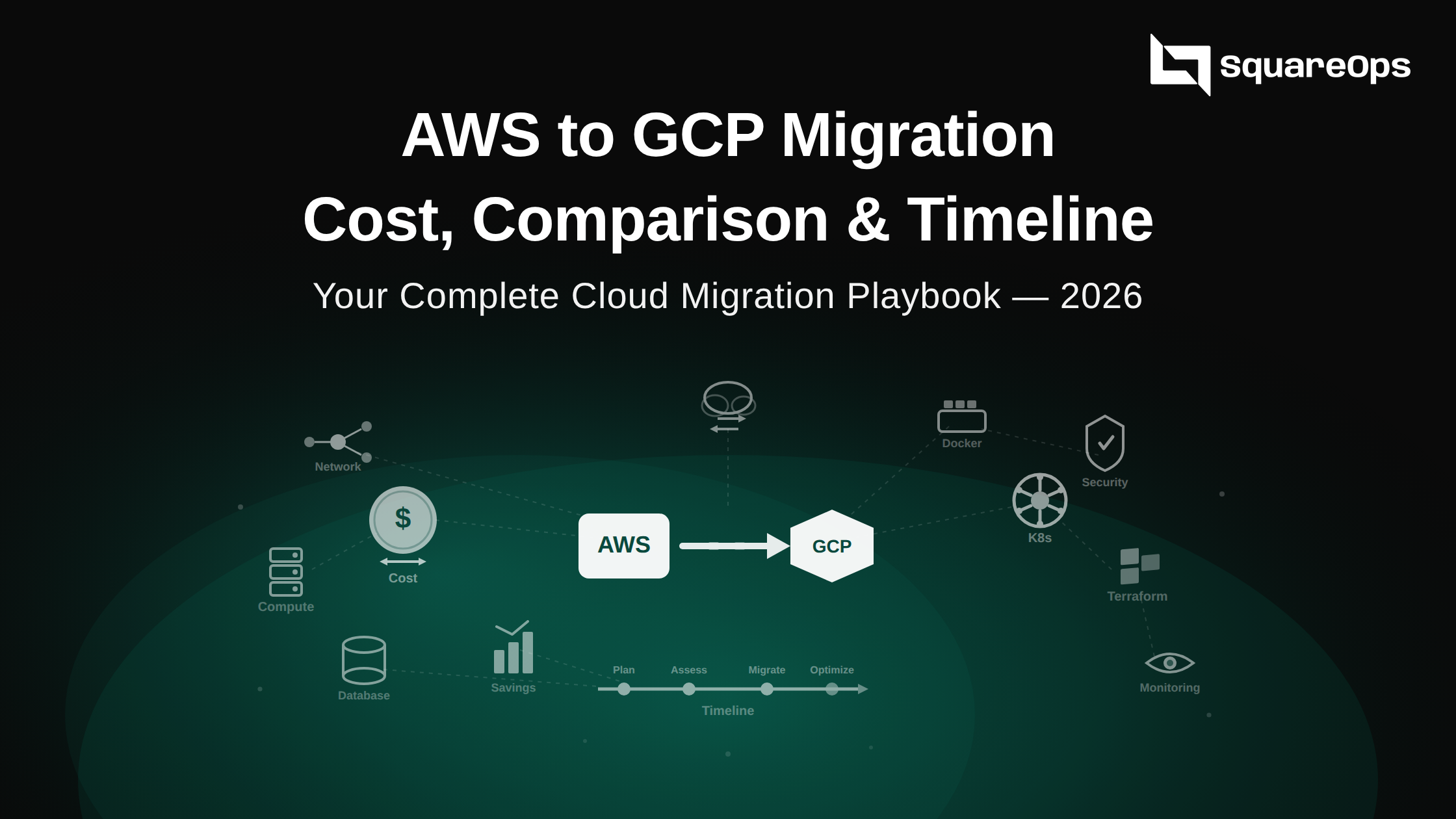
This guide covers the real cost differences between AWS and GCP, what a migration timeline actually looks like, the service-by-service mapping you need, and how to evaluate a cloud migration company that can execute without downtime. We're drawing on data from migrations we've executed in 2025–2026, including a recent full-stack AWS-to-GCP migration for a fintech platform processing 2M+ transactions monthly.
Why Companies Migrate from AWS to GCP
Before diving into costs, it's worth understanding why companies make this move. It's rarely one reason — it's usually a combination of cost pressure, technical requirements, and strategic alignment.
| Reason | Details | Who This Applies To |
|---|---|---|
| Cost Savings (10–30%) | GCP's sustained-use discounts, committed-use pricing, and per-second billing reduce compute costs significantly vs AWS on-demand and even Reserved Instances | Compute-heavy workloads, always-on services, companies spending $10K+/month on AWS |
| BigQuery & Data Analytics | BigQuery's serverless architecture, separation of storage and compute, and pay-per-query model makes it materially cheaper and faster than Redshift for most analytics workloads | Data-heavy companies, analytics teams, companies running expensive Redshift clusters |
| Kubernetes-Native Infrastructure | GKE is the gold standard for managed Kubernetes — faster upgrades, Autopilot mode, native integration with Google's container ecosystem | Companies running EKS who want better K8s tooling, reduced operational overhead |
| AI/ML Capabilities | Vertex AI, TPUs, and Google's AI ecosystem offer advantages for ML workloads — particularly for teams using TensorFlow or building LLM-based products | ML teams, AI-first products, companies building on generative AI |
| Network Pricing | GCP's egress pricing is lower than AWS for inter-region and internet-bound traffic. For data-heavy applications, this alone can save thousands per month | CDN-heavy workloads, multi-region architectures, API-heavy platforms |
| Google Workspace Integration | Companies already on Google Workspace get tighter SSO, IAM, and billing integration with GCP vs managing a separate AWS identity layer | Companies using Google Workspace for corporate email and collaboration |
AWS vs GCP Cost Comparison: Service by Service
The headline "GCP is 10–30% cheaper" is true on average, but the savings vary dramatically by service. Here's a realistic, service-by-service breakdown based on migrations we've executed.
Compute
| Specification | AWS (EC2) | GCP (Compute Engine) | GCP Savings |
|---|---|---|---|
| 4 vCPU, 16 GB RAM (on-demand) | $0.1664/hr (m6i.xlarge) | $0.1510/hr (n2-standard-4) | ~9% |
| Same instance, sustained use (GCP auto-discount) | $0.1664/hr (no auto-discount) | $0.1057/hr (after 30% sustained-use discount) | ~36% |
| Same instance, 1-year commitment | $0.1048/hr (EC2 Reserved) | $0.0953/hr (CUD) | ~9% |
| Same instance, 3-year commitment | $0.0666/hr (EC2 Reserved) | $0.0680/hr (CUD) | ~AWS wins by 2% |
Key insight: GCP's biggest compute advantage is sustained-use discounts — automatic 30% discounts that kick in when instances run more than 25% of the month. No commitment required. For always-on workloads without reserved instances, this is where the 20–30% savings come from. For 3-year commitments, AWS and GCP are nearly identical.
Managed Kubernetes
| Feature | AWS EKS | GCP GKE |
|---|---|---|
| Control plane cost | $0.10/hr ($73/month) per cluster | Free (Standard mode) / $0.10/hr (Autopilot) |
| Node pricing | Standard EC2 pricing | Standard Compute Engine pricing (with sustained-use discounts) |
| Autopilot/Fargate | Fargate: 20–40% premium over EC2 | Autopilot: pay per pod, no node management overhead |
| Cluster upgrades | Manual or managed (with caveats) | Auto-upgrade with maintenance windows |
| Typical savings | — | 15–25% lower for equivalent K8s workloads |
For companies running multiple EKS clusters, the control plane cost alone ($73/month per cluster × number of clusters) adds up. GKE Standard mode eliminates this entirely.
Database
| Database | AWS (RDS) | GCP (Cloud SQL) | Difference |
|---|---|---|---|
| PostgreSQL, 4 vCPU, 16 GB, 100 GB SSD | ~$340/month (db.m6g.xlarge) | ~$290/month (db-custom-4-16384) | GCP ~15% cheaper |
| MySQL, 2 vCPU, 8 GB, 50 GB SSD | ~$175/month (db.m6g.large) | ~$155/month (db-custom-2-8192) | GCP ~11% cheaper |
| High Availability (Multi-AZ) | 2x single instance cost | ~1.7x single instance cost | GCP HA cheaper |
GCP's custom machine types for Cloud SQL are a significant advantage — you pick exact vCPU and RAM counts instead of choosing from fixed instance families. This eliminates overpaying for RAM you don't need or CPU you'll never use.
Storage & Data Transfer
| Service | AWS | GCP |
|---|---|---|
| Object storage (standard, per GB/month) | $0.023 (S3) | $0.020 (Cloud Storage) |
| Egress to internet (first 10 TB/month) | $0.09/GB | $0.12/GB |
| Egress to internet (10–150 TB/month) | $0.085/GB | $0.08/GB |
| Inter-region transfer | $0.02/GB | $0.01/GB |
Nuance: GCP's egress pricing is higher for small volumes but cheaper at scale. Inter-region transfer is where GCP clearly wins — 50% cheaper. For multi-region architectures, this adds up fast.
Overall Cost Summary
| Workload Type | Typical GCP Savings vs AWS | Primary Savings Driver |
|---|---|---|
| Always-on compute (no reservations) | 20–30% | Sustained-use discounts |
| Kubernetes clusters | 15–25% | Free control plane + compute savings |
| Data analytics | 30–50% | BigQuery vs Redshift pricing model |
| Committed compute (1-year) | 5–10% | CUD vs Reserved Instance pricing |
| Committed compute (3-year) | 0–5% | Nearly identical at this commitment level |
| Multi-region data transfer | 30–50% | Inter-region egress pricing |
AWS to GCP Service Mapping
One of the biggest challenges in an AWS to GCP migration is knowing which GCP service replaces which AWS service. Here's the complete mapping for the services most companies use.
| Category | AWS Service | GCP Equivalent | Migration Notes |
|---|---|---|---|
| Compute | EC2 | Compute Engine | Direct mapping. Instance types differ — use custom machine types for cost optimization. |
| Containers | EKS | GKE | K8s manifests are portable. Ingress controllers, CSI drivers, and IAM integration need rework. |
| Serverless | Lambda | Cloud Functions / Cloud Run | Cloud Run is often a better target than Cloud Functions for Lambda migrations. |
| Object Storage | S3 | Cloud Storage | API-compatible with minor differences. gsutil or Storage Transfer Service for bulk migration. |
| Relational DB | RDS (PostgreSQL/MySQL) | Cloud SQL | Database Migration Service (DMS) handles live replication with minimal downtime. |
| NoSQL | DynamoDB | Firestore / Bigtable | No direct equivalent. Firestore for document workloads, Bigtable for wide-column. |
| Caching | ElastiCache | Memorystore | Supports Redis and Memcached. Straightforward migration. |
| CDN | CloudFront | Cloud CDN | Different configuration model. DNS cutover required. |
| DNS | Route 53 | Cloud DNS | Zone file export/import. Plan for TTL propagation during cutover. |
| Monitoring | CloudWatch | Cloud Monitoring + Cloud Logging | Custom metrics and dashboards need rebuilding. Consider Prometheus/Grafana for portability. |
| CI/CD | CodePipeline / CodeBuild | Cloud Build | Pipeline definitions are not portable. Rebuild using Cloud Build YAML or use GitHub Actions as a cloud-agnostic alternative. |
| IAM | AWS IAM | Cloud IAM | Completely different model. GCP uses project-level roles vs AWS account-level policies. Major rework required. |
| Secrets | Secrets Manager | Secret Manager | API differences but same concept. Automated migration scripts available. |
| Message Queue | SQS / SNS | Pub/Sub | Pub/Sub combines both pub/sub and queue patterns. Application code changes required. |
| Data Warehouse | Redshift | BigQuery | Schema redesign recommended. BigQuery's serverless model eliminates cluster management entirely. |
AWS to GCP Migration Timeline: What to Expect
Migration timelines depend on infrastructure complexity, data volume, and team availability. Here's what we've seen across real migrations — not vendor marketing estimates.
Phase 1: Assessment & Planning (2–4 Weeks)
- Infrastructure inventory — catalog all AWS resources, dependencies, data flows, and IAM policies
- Cost modelling — build a detailed GCP cost projection using actual AWS usage data (not list prices)
- Migration strategy per service — decide rehost, re-platform, or re-architect for each component
- Risk assessment — identify data sovereignty requirements, compliance constraints, and integration dependencies
- Timeline and cutover plan — define migration waves, rollback criteria, and success metrics
This phase is non-negotiable. Companies that skip assessment and jump straight to migration spend 2–3x longer on the overall project due to surprises.
Phase 2: Foundation Setup (2–3 Weeks)
- GCP project structure — organization hierarchy, folder structure, billing accounts
- IAM and security — role definitions, service accounts, Workload Identity Federation (replacing AWS IAM roles)
- Networking — VPC design, subnets, firewall rules, Cloud Interconnect or VPN for hybrid connectivity
- Infrastructure as Code — Terraform modules for GCP resources, CI/CD pipeline setup
- Monitoring and logging — Cloud Monitoring, Cloud Logging, alerting policies, dashboards
Phase 3: Data Migration (2–6 Weeks)
- Database migration — DMS for live replication, schema validation, data integrity checks
- Object storage migration — Storage Transfer Service for S3-to-Cloud Storage bulk transfer
- Stateful workloads — cache warming, session migration, queue draining strategies
- Validation — automated data consistency checks, row counts, checksum verification
Data migration is almost always the longest phase. A 5 TB PostgreSQL database with continuous replication takes 1–3 weeks depending on change rate and network bandwidth.
Phase 4: Application Migration & Testing (3–6 Weeks)
- Application deployment — deploy applications on GKE/Compute Engine using IaC
- Integration testing — verify all service connections, API endpoints, external integrations
- Performance testing — load testing on GCP to validate latency, throughput, and scaling behaviour
- Security validation — penetration testing, compliance checks, IAM policy review
Phase 5: Cutover & Optimization (1–2 Weeks)
- DNS cutover — traffic routing from AWS to GCP (blue/green or gradual shift)
- Monitoring — 24/7 observation during the first 72 hours post-cutover
- AWS decommission — terminate AWS resources once GCP is stable (keep backups for 30 days)
- Cost optimization — right-size instances, apply committed-use discounts, clean up unused resources
Total Timeline Summary
| Company Size | Infrastructure Complexity | Typical Timeline |
|---|---|---|
| Startup (5–20 services) | Low — few databases, single K8s cluster, basic networking | 6–10 weeks |
| Mid-market (20–50 services) | Medium — multiple databases, microservices, CI/CD pipelines, compliance requirements | 10–16 weeks |
| Enterprise (50+ services) | High — multi-region, complex IAM, data warehouse, legacy integrations | 16–30 weeks |
How to Choose a Cloud Migration Company
The migration partner you choose determines whether you complete the migration on time and under budget — or end up in a 6-month firefight with unexpected downtime, data loss, and cost overruns. Here's what to evaluate.
1. Multi-Cloud Expertise (Not Just One Cloud)
A migration partner must have deep expertise in both the source (AWS) and target (GCP) platforms. A GCP-only partner won't understand your existing AWS architecture well enough to migrate it safely. An AWS-only partner won't design optimal GCP architectures.
What to ask: "How many AWS-to-GCP migrations have you completed in the last 12 months? Can you share specific case studies with timelines and outcomes?"
2. Infrastructure as Code First
If your migration partner is clicking through the GCP Console instead of writing Terraform, run. Every resource should be defined in code from day one — this ensures reproducibility, disaster recovery, and the ability to roll back if something goes wrong.
What to ask: "Will all GCP infrastructure be managed via Terraform in our Git repository? Can we see examples of your Terraform module structure?"
3. Zero-Downtime Migration Capability
For production workloads, downtime during migration is not acceptable. Your partner should have proven experience with live database replication, blue/green DNS cutover, and gradual traffic shifting — not "we'll schedule a maintenance window."
What to ask: "What is your cutover strategy for production databases? What's the maximum downtime you guarantee?"
4. Cost Optimization Built In
A good migration partner doesn't just move your infrastructure — they optimize it. If you're paying the same amount on GCP as you were on AWS, the migration failed one of its primary objectives. Look for partners with FinOps expertise who will right-size from day one.
What to ask: "What cost savings do you project for our specific workload? How do you validate these savings post-migration?"
5. Post-Migration Support
Migration day is not the finish line. You need 24/7 support during the stabilization period, ongoing optimization, and a partner who will help your team build GCP expertise over time.
What to ask: "What does your post-migration support look like? Do you provide 24/7 on-call during the first month?"
Partner Evaluation Scorecard
| Criteria | Weight | What to Look For |
|---|---|---|
| Multi-cloud certifications | 20% | AWS + GCP partner status. Certified architects on both platforms. |
| Migration track record | 25% | Documented case studies with timelines, savings, and client references. |
| IaC maturity | 15% | Terraform-first approach. All infrastructure in version-controlled code. |
| Cost optimization capability | 15% | FinOps tooling, cost projection accuracy, post-migration optimization plan. |
| Security & compliance | 15% | ISO 27001, SOC 2 experience, compliance automation, VAPT capability. |
| Post-migration support | 10% | 24/7 on-call, managed operations option, knowledge transfer plan. |
Common Mistakes in AWS to GCP Migration
1. Lift-and-Shift Without Re-Architecture
Moving EC2 instances directly to Compute Engine without rethinking architecture misses most of the cost savings. GCP's strengths — managed services, Autopilot, BigQuery — require re-platforming, not just rehosting.
2. Underestimating IAM Complexity
AWS IAM and GCP IAM are fundamentally different. AWS uses policy-based permissions attached to users/roles. GCP uses role-based bindings at the project/folder/org level. This is the most underestimated migration task — plan 2–3 weeks just for IAM.
3. Ignoring Network Architecture
GCP's VPC model is global (subnets span regions), while AWS VPCs are regional. Companies that copy their AWS network design to GCP end up with unnecessary complexity. Design GCP networking from scratch based on GCP best practices.
4. No Rollback Plan
Every migration must have a documented rollback procedure. If the GCP deployment fails validation, you need to route traffic back to AWS within minutes. This means keeping AWS infrastructure running (but scaled down) for at least 30 days post-cutover.
5. Migrating Everything at Once
Big-bang migrations are high-risk. Migrate in waves — start with non-critical workloads (dev/staging environments), then stateless services, then stateful services, then databases. Each wave validates the process before risking production.
Why SquareOps for AWS to GCP Migration
SquareOps is both an AWS Advanced Consulting Partner and a GCP Partner — one of the few migration companies with deep certification and operational experience on both platforms. Here's what makes us different:
- 100+ Cloud Migrations Completed — across startups, mid-market, and enterprise clients in US, India, UK, Germany, and UAE
- Terraform-First, Always — every resource is defined in IaC from day one. You own the code in your Git repos.
- Zero-Downtime Guarantee — live database replication, blue/green cutover, and gradual traffic shifting for production workloads
- Built-In FinOps — we use SpendZero to identify and eliminate waste before, during, and after migration
- ISO 27001 Certified — security and compliance baked into every migration, not bolted on afterward
- 24/7 Post-Migration Support — dedicated on-call coverage during stabilization, with optional ongoing managed operations
Get a free AWS-to-GCP migration assessment — we'll give you a detailed cost comparison, timeline, and migration plan within 48 hours.