











What SpendZero Finds on AWS
SpendZero connects to your AWS account via a read-only IAM role and scans every resource across all regions. It runs 37+ automated checks to detect idle resources, oversized instances, unattached storage, and missing reserved capacity — surfacing the exact dollar amount you can save on each finding.
Unlike AWS Cost Explorer, which shows you what you spent, SpendZero shows you what you're wasting. It analyzes CloudWatch metrics, instance utilization, and pricing data in real time to recommend specific actions: stop this idle RDS instance, resize this EC2 from m5.xlarge to m5.large, migrate this GP2 volume to GP3.
SpendZero supports multi-account and multi-region scanning out of the box. Connect your AWS Organization or individual accounts, and get a consolidated waste report across your entire AWS footprint. No agents to install, no sidecars in your clusters — just read-only API access. For a broader view across all clouds, see the SpendZero multi-cloud platform, or explore our managed cloud cost management service for hands-on FinOps support.
25+ AWS Services
Covered
SpendZero scans your entire AWS footprint — from compute and databases to storage, network, and serverless — to find every optimization opportunity.
EC2 Instances
Detect idle EC2 instances running at 1-2% CPU, get rightsizing recommendations based on actual utilization, and identify Graviton migration opportunities for up to 40% cost reduction on compatible workloads.
RDS Databases
Find idle RDS instances with zero connections, rightsize over-provisioned databases based on CPU and memory usage, and optimize Aurora clusters with instance-level recommendations.
EBS Storage
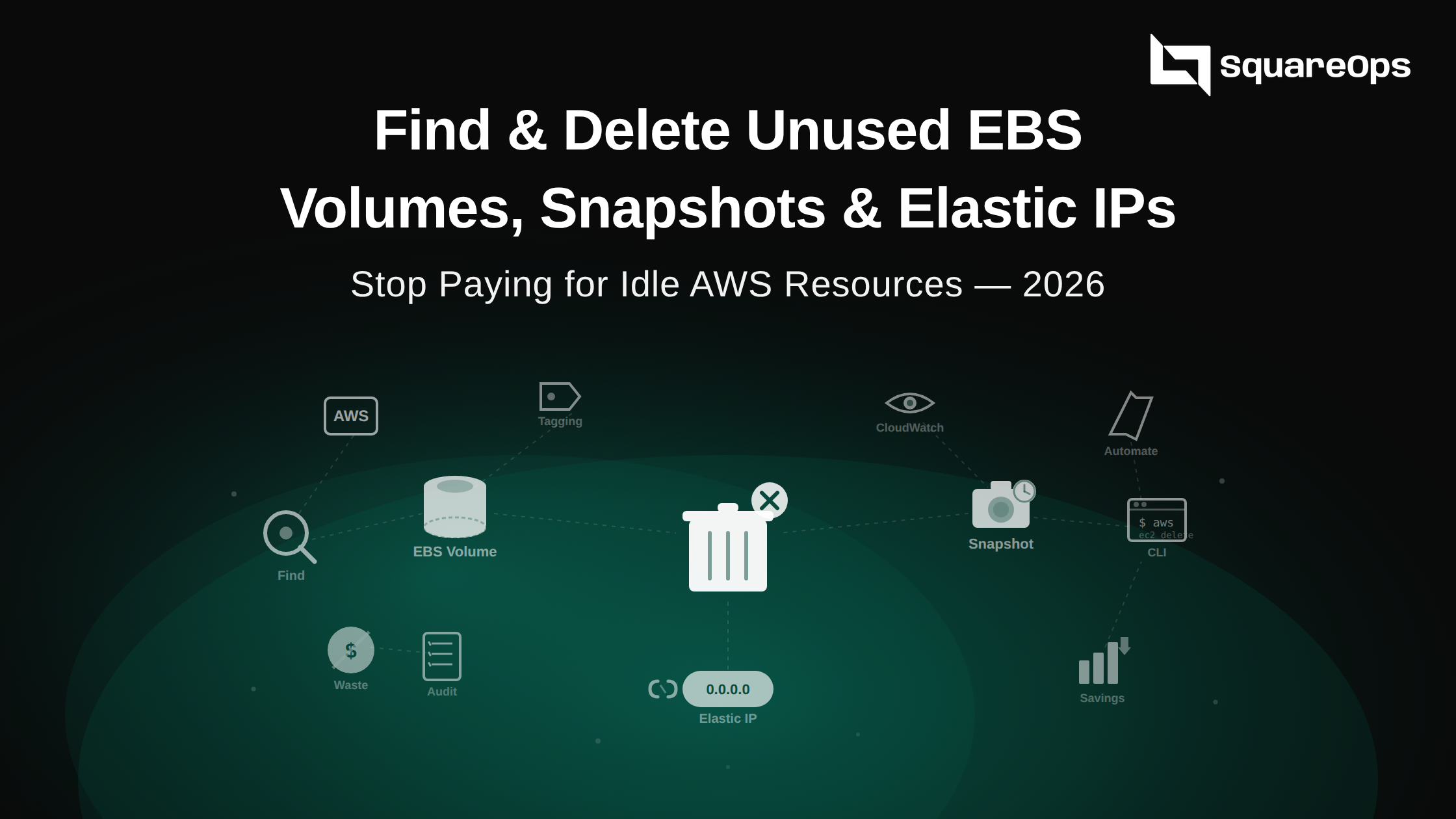
Detect unattached EBS volumes accumulating charges, identify old snapshots from deleted instances, and recommend GP2-to-GP3 migration for 20% savings with better performance.
ElastiCache & Redshift
Identify idle ElastiCache clusters with zero cache hits, detect underutilized Redshift clusters, and recommend node rightsizing based on actual query patterns and memory usage.
Lambda & Containers
Find over-provisioned Lambda functions with excess memory allocation, rightsize ECS tasks and services based on actual resource utilization, and optimize container spend across your clusters.
Network
Detect idle NAT Gateways processing zero traffic, find unused Elastic IPs incurring hourly charges, and identify CloudFront distributions with zero requests that can be safely removed.
Real Savings Examples
Anonymized examples from real SpendZero scans. These are the kinds of savings teams discover in their first 5-minute scan.
SaaS Startup
A 50-person SaaS company ran SpendZero across 3 AWS accounts. The scan found 23 idle RDS instances left over from staging environments, 40+ unattached EBS volumes, and 12 oversized EC2 instances running at under 5% CPU.
$4,200/mo Saved
Stopped idle RDS instances and deleted unattached volumes in the first week. Rightsized EC2 instances the following sprint.
E-commerce Platform
A mid-size e-commerce company with 800+ EC2 instances across 5 regions. SpendZero identified 156 instances that were oversized by 50% or more, plus 30+ idle NAT Gateways in unused VPCs and missing Reserved Instance coverage on their most stable workloads.
$12,800/mo Saved
Rightsized instances in rolling batches over 2 weeks. Purchased targeted Reserved Instances for predictable workloads.
FinTech Company
A FinTech company with strict compliance requirements ran SpendZero in read-only mode. The scan found 200+ GP2 EBS volumes eligible for GP3 migration, 4TB of old snapshots from decommissioned services, and 15 unused Elastic IPs.
$3,100/mo Saved
Migrated GP2 volumes to GP3 with zero downtime. Cleaned up old snapshots and released unused Elastic IPs.
See Your AWS Waste in 5 Minutes
Connect your AWS account and get a free waste report with estimated savings across all 37+ checks. No credit card required, no agents to install.
Start Free AWS Scan37+ Automated AWS Checks
Every check runs automatically when you connect your AWS account. Each finding includes the resource, current cost, recommended action, and estimated monthly savings.
Idle Resource Detection
Detect resources running but doing nothing. Idle EC2 instances at 1-2% CPU, RDS databases with zero connections, ElastiCache clusters with zero cache hits, Redshift clusters with no queries, NAT Gateways processing zero bytes, and load balancers with no healthy targets. These are immediate savings with zero business impact.
Rightsizing Recommendations
Analyze CPU and memory utilization over 14 days to recommend the right instance type. If your m5.2xlarge is running at 8% CPU, SpendZero recommends stepping down to m5.large — with the specific target instance type, estimated savings, and one-click action to execute the resize. Covers EC2, RDS, ElastiCache, and Redshift.
Storage Optimization
Find unattached EBS volumes accumulating charges with no instance attached, old EBS snapshots from deleted instances that are no longer needed, and GP2 volumes that should be GP3 for 20% savings and better baseline performance. Every finding includes the volume size, monthly cost, and age.
Reserved Capacity Gaps
Analyze your on-demand usage patterns to identify where Reserved Instances or Savings Plans would cut costs by 30-60%. SpendZero identifies the highest-impact reservation opportunities across EC2, RDS, and ElastiCache — showing which instance families have stable usage that justifies commitment discounts.
Network Waste
Unused Elastic IPs incurring hourly charges ($3.65/mo each), idle NAT Gateways in VPCs with no active workloads ($32+/mo each), and CloudFront distributions serving zero requests. Network waste is often invisible but adds up quickly across accounts and regions.
How It Works
From connecting your AWS account to acting on savings in 4 simple steps. No agents, no complex setup.
Connect Your AWS Account
Create a read-only IAM role in your AWS account and connect it to SpendZero. No agents to install, no write access required for scanning. Support for AWS Organizations lets you connect all member accounts at once.
Scan All Regions
SpendZero automatically scans every AWS region where you have resources. EC2, RDS, EBS, Lambda, ElastiCache, Redshift, NAT Gateway, and 20+ more services are inventoried and analyzed in parallel.
Review Recommendations
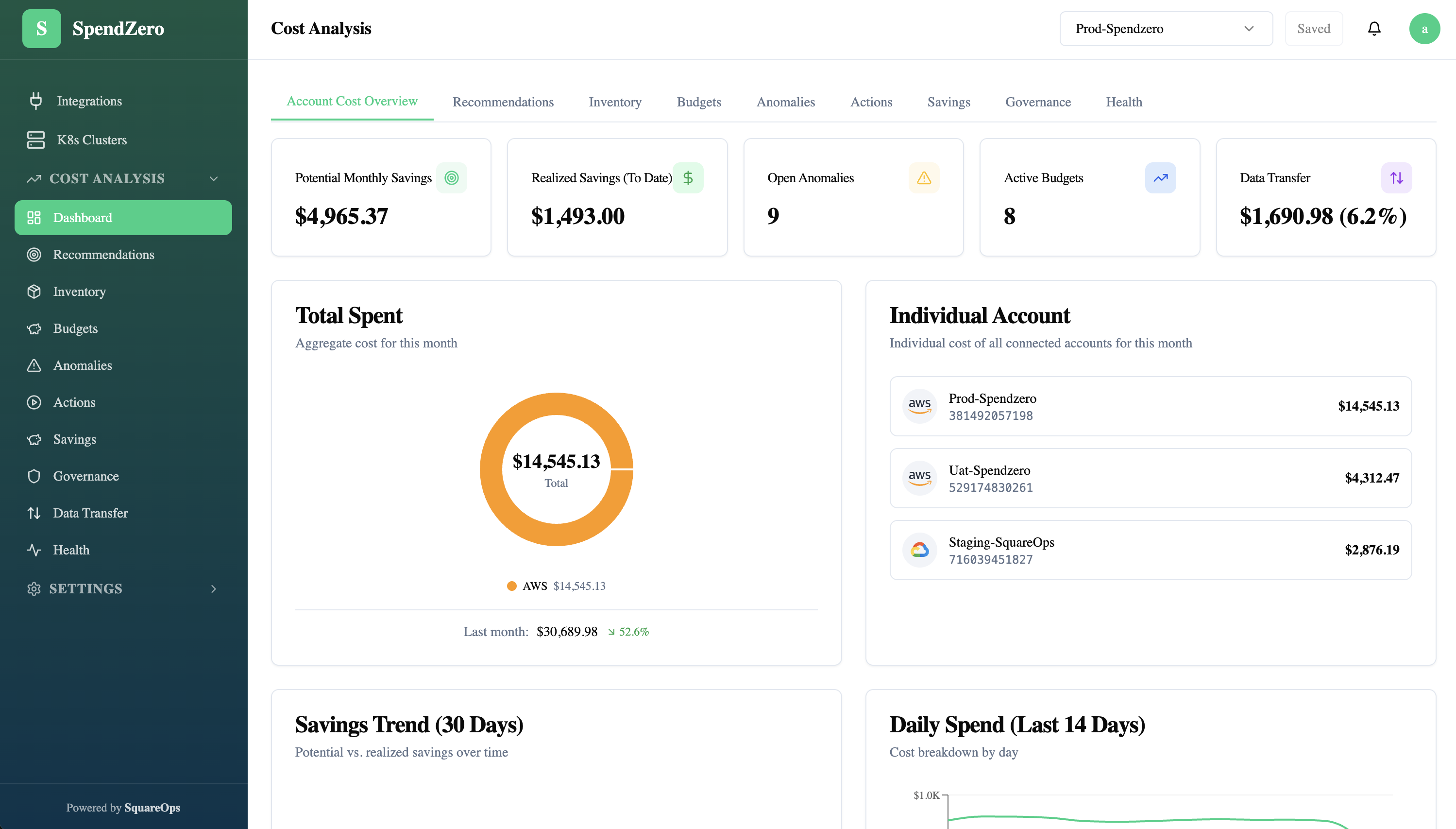
Browse waste findings sorted by savings potential. Filter by service, region, account, or check type. Every recommendation shows the resource, current cost, recommended action, and estimated monthly savings.
One-Click Fix
Act on recommendations directly from SpendZero. Stop idle instances, delete unattached volumes, resize databases, and migrate GP2 to GP3 — all with confirmation prompts and full audit logging before any change is made.