Introduction
As Kubernetes becomes the de facto standard for container orchestration, its complexity and dynamic nature pose unique security challenges. From misconfigured access controls to insecure container images and runtime threats, securing Kubernetes is not just a necessity it's a non-negotiable priority.
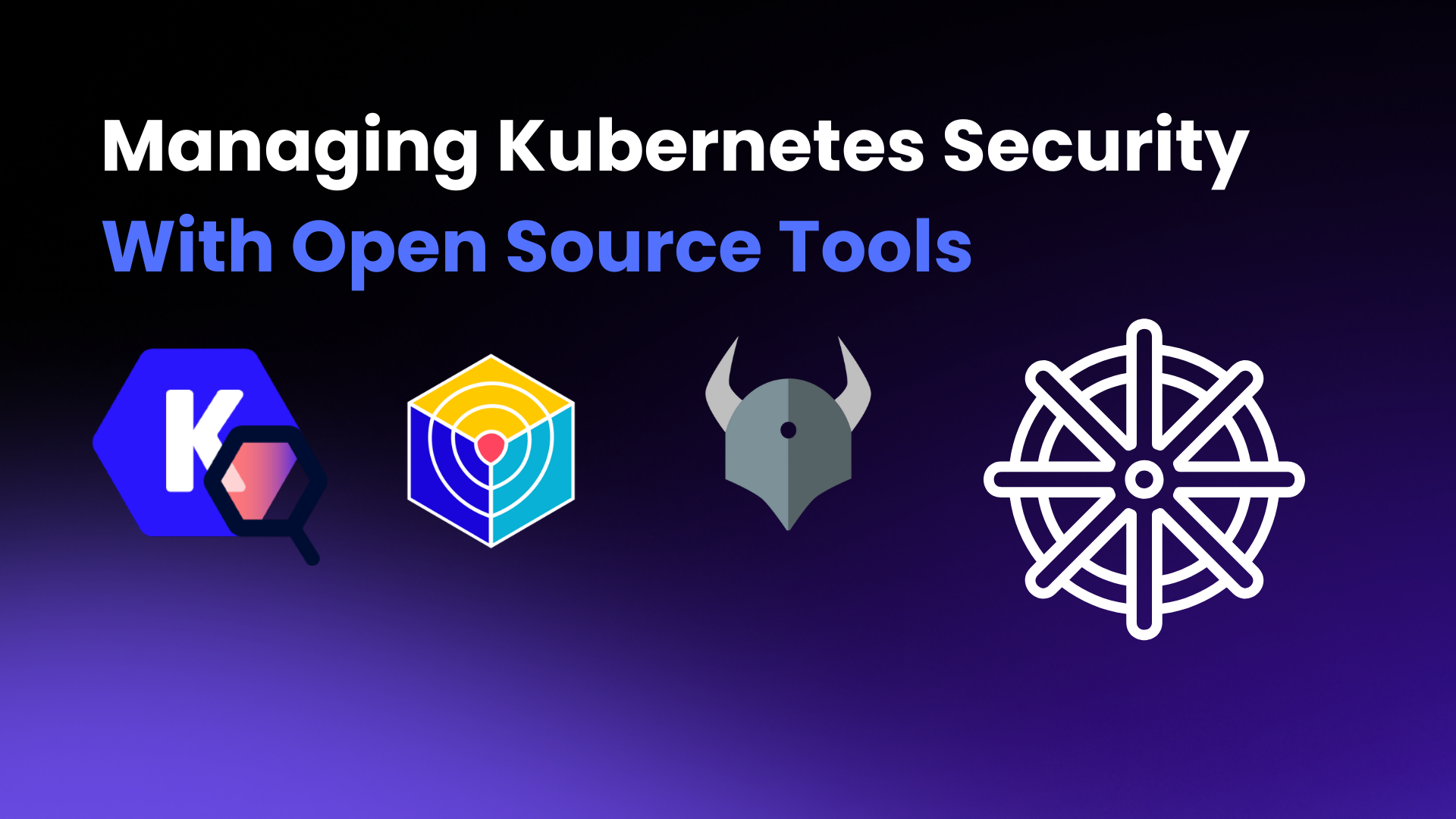
In this comprehensive guide, we explore the best open source tools that help teams manage Kubernetes security across its various layers: infrastructure, configurations, container images, runtime, and network. We'll also show where a cloud and Kubernetes posture platform such as SquareOps Verity (now in early access) fits alongside them, and what it leaves to the open source tools.
Why Kubernetes Security is Complex
Kubernetes distributes workloads across clusters, dynamically provisions resources, and integrates with third-party services. Its loosely coupled components include the API server, etcd, Kubelet, and control plane, which must all be secured. Here are common threats:
1. Exposed APIs and Dashboards
Kubernetes exposes a powerful API server to manage the entire cluster. If it's publicly accessible without strict authentication or network restrictions, attackers can remotely control workloads, access secrets, or even delete resources. Similarly, dashboards and web UIs, if left exposed without login protection, become an easy target for brute-force or unauthorized access.
2. Insecure RBAC (Role-Based Access Control)
RBAC is supposed to control what users and service accounts can do in the cluster. However, in many setups, users are given overly permissive roles like cluster-admin. This creates unnecessary risk one compromised user or pod can result in full cluster access. Without strict role definitions, access control becomes meaningless.
3. Running Privileged Containers
Containers in Kubernetes can run in privileged mode, which grants them almost the same access as the host itself. If a container running with elevated privileges is compromised, the attacker can escape the container sandbox, access the host filesystem, or interfere with other workloads on the node.
4. Unrestricted Network Policies
By default, all pods in Kubernetes can communicate with each other. Without network segmentation, a breach in one pod can quickly spread to others. This lack of isolation opens the door to lateral movement inside the cluster, where internal services like databases or secrets management systems may be attacked.
5. Vulnerable Container Images
Many images used in Kubernetes come from public or third-party registries. These images may contain outdated packages or known security flaws. Since containers are often deployed at scale and reused across environments, a vulnerability in one image can lead to a large-scale compromise.
6. Inadequate Monitoring and Auditing
Kubernetes clusters can generate massive amounts of events and logs. Without proper tools in place to capture, monitor, and alert on abnormal behavior (e.g., unexpected API calls, pod restarts, privilege escalation), it's easy to miss signs of an attack or misconfiguration until it's too late.
These risks require a layered defense approach — starting from infrastructure hardening to runtime protection.
Open Source Tools for Kubernetes Security
Below is a breakdown of the most trusted open source tools for each aspect of Kubernetes security:
1. Kube-Bench — Benchmarking Kubernetes Security
What it does: Kube-Bench checks whether your Kubernetes cluster is configured in accordance with the security best practices defined in the CIS Kubernetes Benchmark.
Key Features:
- Checks master and node configurations
- Supports Kubernetes distributions like GKE, EKS, AKS
- Generates remediation advice
2. Trivy — Image Scanning & Configuration Analysis
What it does: Trivy is a comprehensive scanner for container images, Git repositories, and Kubernetes manifests.
Key Features:
- Scans for vulnerabilities (CVEs) in OS packages and language-specific dependencies
- Detects secrets and misconfigurations in IaC (Helm, Terraform, etc.)
- Integrates with CI/CD pipelines
3. Falco — Runtime Threat Detection
What it does: Falco, a CNCF project, provides runtime security by detecting unexpected behavior in containers, pods, and hosts.
Key Features:
- Real-time monitoring using syscall events
- Predefined and custom rule sets
- Sends alerts via Slack, Prometheus, or custom webhooks
Use Case Example: Detect if a container is attempting to read sensitive files or escalate privileges.
4. Kyverno — Kubernetes Policy Engine
What it does: Kyverno allows you to define, validate, mutate, and generate Kubernetes resources using policies.
Key Features:
- Enforce best practices like disallowing privileged containers
- Apply default configurations
- Supports test-driven policy development
Example Policies:
- Block containers without resource limits
- Require labels for pod classification
5. OPA + Gatekeeper — Advanced Policy Enforcement
What it does: OPA (Open Policy Agent) with Gatekeeper lets you write custom policies using Rego to enforce complex rules.
Best For: Advanced users who need flexible and expressive policies beyond Kyverno's YAML-based model.
Example Use Case:
- Enforce specific security annotations on all deployments
Comparison with Kyverno: OPA offers more flexibility, while Kyverno is easier for Kubernetes-native teams to adopt.
6. kube-hunter — Cluster Penetration Testing (No Longer Maintained)
Status: Aqua Security no longer actively develops kube-hunter and points users to Trivy's Kubernetes scanning instead. It still runs, but treat it as a legacy tool and do not rely on it to catch newer attack techniques.
What it does: kube-hunter simulates attacks against your cluster to reveal potential entry points and vulnerabilities.
Modes:
- Remote scanning
- Network scanning
- API server probing
Security Tip: Run kube-hunter from an external machine to simulate a real attacker's viewpoint.
7. Kubesec — Pod Security Analysis
What it does: Kubesec analyzes pod definitions and scores them based on applied security best practices.
What It Checks:
- Read-only filesystem
- Privileged flag
- Capability drops
Example Result: Your pod gets a score of 3/10 because it's running as root and has no memory limits.
8. Kubescape — Kubernetes Security Posture Management (KSPM)
What it does: Kubescape evaluates Kubernetes clusters and YAML manifests against multiple security frameworks including NSA-CISA, MITRE ATT&CK, and CIS benchmarks.
Key Features:
- Cluster-level posture scans
- Control and framework-based scorecards
- Guided remediation steps
- Continuous scanning and GitOps integrations
Where Verity fits: Kubescape evaluates the cluster itself. SquareOps Verity, in early access, works from read-only access to your AWS accounts and Amazon EKS clusters: it checks them against the CIS AWS Foundations and CIS Amazon EKS benchmarks, gives one security posture score, and ranks findings by real risk, tracking each fix until the next scan verifies it.
Want to see how secure your Kubernetes setup really is? Request early access to Verity, connect one AWS account with a read-only role, and see your first ranked findings.
9. NetworkPolicy Tools — Securing East-West Traffic
Tools:
- Calico: Advanced networking and network policies
- Cilium: eBPF-based networking with observability
Why Network Policies Matter: Kubernetes allows all pod-to-pod communication by default. Restricting traffic minimizes lateral movement in case of compromise.
10. Cert-Manager — Automating TLS Certificates
What it does: cert-manager manages the lifecycle of TLS certificates in Kubernetes clusters.
Key Features:
- Supports Let's Encrypt and internal CAs
- Auto-renewals and secret management
- ACME and webhook support
Security Note: Always enable HTTPS for internal and external services. On clusters provisioned through Atmosly, cert-manager can be installed as a version-pinned add-on from the catalog.
11. Audit Logs + Open Source SIEM Tools
Why It Matters: You can't secure what you don't monitor. Kubernetes audit logs provide crucial visibility.
Tools for Log Aggregation and SIEM:
- Fluent Bit
- Loki + Grafana
- ELK Stack (Elasticsearch, Logstash, Kibana)
Where SquareOps Verity Fits
Running eleven tools gives you eleven reports. The hard part for DevOps teams is deciding which finding to fix first. That is the gap SquareOps Verity is built for. It is in early access today, covering AWS and Amazon EKS.
1. One posture score across accounts and clusters:
Read-only scans of every connected AWS account and EKS cluster, with the CIS AWS Foundations Benchmark and CIS Amazon EKS Benchmark as the rule baseline.
2. Evidence-backed attack paths:
Findings that look harmless alone are joined into paths from an exposed entry point to sensitive data, with the evidence behind every hop and the single fix that breaks the most paths.
3. Risk-ranked remediation, verified by scan:
Findings are ranked by exposure, data sensitivity, attack-path reach and exploitability, and a fix only counts as closed when the next scan proves it.
4. Compliance mapping:
Each rule maps to SOC 2 and ISO 27001 (HIPAA and PCI DSS at general availability) controls, and passing results are stored as dated evidence.
What Verity does not do: it does not scan container images, detect runtime behaviour or enforce admission policy. Trivy, Falco, Kyverno and OPA Gatekeeper from this list remain the tools for those jobs.
Best Practices Checklist for Kubernetes Security
| Area | Best Practice | Tools to Use | Where SquareOps Fits |
|---|---|---|---|
| Access Control | Implement RBAC with the principle of least privilege. Avoid cluster-admin unless absolutely necessary. | Native RBAC, Kyverno | Atmosly: fine-grained RBAC per team, environment and action, with SSO |
| Admission Control | Use policies to validate and mutate resources at admission. Enforce default labels, disallow privileged pods. | Kyverno, OPA + Gatekeeper | You define and enforce admission policies; Verity reports but does not block |
| Container Image Security | Scan all container images for CVEs and secrets in CI/CD pipelines. Block deploys on high-risk issues. | Trivy | Run Trivy as a pipeline step; Verity does not scan images |
| Infrastructure Benchmarking | Run CIS Kubernetes Benchmarks regularly for control plane and node compliance. | kube-bench | Verity (early access): CIS Amazon EKS Benchmark checks on EKS clusters |
| Cluster Posture Management | Continuously evaluate cluster setup against NSA-CISA, MITRE ATT&CK, and CIS benchmarks. | Kubescape | Verity (early access): posture score, attack paths and risk-ranked findings across AWS accounts and EKS clusters |
| Network Security | Enforce NetworkPolicies to restrict inter-pod communication and minimize lateral movement. | Calico, Cilium | Use your CNI's policy tooling |
| Runtime Threat Detection | Detect unexpected behavior such as shell execs in containers or access to sensitive directories. | Falco | Use Falco; Verity does not detect runtime behaviour |
| Pod Security Standards | Apply restricted PSS level: disallow privilege escalation, enforce non-root, read-only file system. | Pod Security Admission, Kyverno | You define and enforce these policies in each cluster |
| TLS & Secrets Management | Use cert-manager for HTTPS, rotate secrets regularly, and avoid hardcoding secrets in YAMLs. | cert-manager, Sealed Secrets | Atmosly: cert-manager as a version-pinned cluster add-on |
| Audit Logging & Monitoring | Enable audit logs and forward them to a SIEM. Monitor for anomalous activity. | Fluent Bit, ELK, Loki | Verity (early access): checks that EKS control-plane audit logging to CloudWatch is on (CIS EKS 2.1.1) |
| Penetration Testing | Run automated attack simulations to find exploitable misconfigurations. | kube-hunter (no longer maintained) | Separate service: SquareOps VAPT |
| Backup & Recovery | Regularly backup etcd and persistent volumes. Test recovery plans. | Velero, Stash | Use Velero or Stash |
Final Thoughts
Kubernetes security is a shared responsibility. While the ecosystem provides powerful open source tools, integrating them seamlessly and making them actionable is key.
Start with the open source tools for each layer, then decide how you will see the results together. For AWS and EKS, SquareOps Verity gives one posture score, ranked findings and compliance evidence in one place. It is in early access: request early access to connect your first account.