32nd Avenue
GeneralHow SquareOps Modernized and Scaled 32nd Avenue's Applications on AWS EKS With Karpenter
How SquareOps moved 32nd Avenue's valet parking, restaurant and ERP workloads to AWS EKS with Karpenter autoscaling and ...
A fintech company cut its monthly AWS bill from about $265K to about $155K. That is about $110K a month less (about 41%), or about $1.3M a year. SquareOps worked on a success fee: we are paid a share of the savings we verify, and if there are no savings, there is no fee. The savings came from engineering work, not discounts. Our engineers set the right resource requests for its Kubernetes workloads, moved them from AWS Fargate to Graviton-based EC2 nodes managed by Karpenter, and ran most stateless workloads on Spot or a mix of Spot and On-Demand. All of this was done in about two to three months, before any Savings Plans or other commitment discounts were bought.
This case study is anonymous: it does not name the client, and all figures are rounded. When the engagement began, the client, a fintech company, was spending about $265K a month on AWS. Its applications ran as containers on Amazon EKS, with the pods running on AWS Fargate.
A bill this size invites a quick fix, and both of the usual quick fixes leave money on the table.
SquareOps was paid a share of the savings it verified. If no savings were verified, there was no fee. This puts the partner on the same side as the finance team: the fee exists only if the bill actually goes down. It also points the work at the changes that save the most, not at the ones that are easiest to put in a report.
SpendZero, the cloud cost tool built by SquareOps, is included free with every success-fee engagement, so the client paid nothing extra for tooling. Our engineers used it to map the client's overall cloud usage and find where it could save, with the most detail on the Kubernetes side: which workloads asked for more CPU and memory than they used.
The full terms of the model, including how savings are verified, are on our success-fee cloud cost optimization page.
The order of the work mattered as much as the work itself. First our engineers reduced what the workloads cost to run. Only then did it make sense to think about discounts.
On Fargate, each pod is billed for the CPU and memory it requests, not for what it uses. Requests that are set high "to be safe" are paid for every hour. Our engineers mapped each workload's real usage and set its requests to match, so capacity follows what the workloads need.
The workloads moved off Fargate onto EC2 worker nodes managed by Karpenter, which picks node types to fit the pods that need to run and removes nodes that are no longer needed. The nodes run on AWS Graviton, AWS's Arm-based processors, which cost less than comparable x86 instances.
Moving to Graviton is more than changing an instance type: the software has to run on Arm. Our team rewrote the Dockerfiles and the CI/CD pipelines so every service builds Arm images, and tested each workload under real load before it took production traffic.
Spot capacity is spare AWS compute sold at a discount. AWS can take it back at short notice, so it suits workloads that can be interrupted and restarted without harm. Most of the client's stateless workloads moved to Spot, and others to a mix of Spot and On-Demand nodes, so a Spot interruption never takes a whole service down. Workloads that cannot be interrupted stayed On-Demand.
All infrastructure changes were made as code in Terraform, each as a pull request that the client's leadership team reviewed before it was applied. Nothing was changed by hand in the console, so every change is recorded and the client's team can run the setup on its own.
The roughly $110K a month in savings came before any Savings Plans or commitment discounts were bought. SquareOps' part was the engineering work. The client's own team buys commitments as part of its normal process, so any commitment is now sized on the lower bill, not on capacity that was about to be removed.
| Measure | Value |
|---|---|
| Monthly bill before | About $265K |
| Monthly bill after | About $155K |
| Monthly saving | About $110K (about 41%) |
| Yearly saving | About $1.3M |
| Commitment discounts bought before the saving | None |
No commitment discounts had been bought, so the saving came from changing how the workloads run, not from a discount on the same usage. The work took about two to three months, including the rewrite of the build pipelines for Graviton.
About $155K a month is now the starting point for any further work and any commitment decision. SquareOps has handed the setup over to the client's team. Because every change lives in Terraform and went through reviewed pull requests, the team owns and runs it without us.
To see where your own bill stands, you can run a free first scan with SpendZero. If you want engineers to make the changes and be paid only from verified savings, book a free cloud cost assessment with our success-fee team.
SquareOps engineers set the right resource requests for the client's Kubernetes workloads on Amazon EKS, moved them from AWS Fargate to Graviton-based EC2 nodes managed by Karpenter, and ran most stateless workloads on Spot or a Spot and On-Demand mix. The bill fell from about $265K to about $155K a month, about $110K a month or about $1.3M a year. All of this was done before any Savings Plans or commitment discounts were bought.
In a success-fee engagement, SquareOps is paid a share of the cloud savings it verifies, not for hours or a subscription. If no savings are verified, there is no fee. Our engineers make the changes with the client's approval, and SpendZero, SquareOps' cloud cost tool, is included free for the engagement.
Savings Plans and other commitment discounts lock in spend for a period. Bought first, they are sized on a bill that still contains waste and capacity that could move to cheaper options. Cutting the bill first through Spot, the right instance types and Graviton means any commitment is sized on the lower bill.
AWS Graviton instances use Arm-based processors and cost less than comparable x86 instances. Moving to them means the software must run on Arm: builds, container images and dependencies with native code need Arm versions, and each workload must be tested under real load before it takes production traffic.
Yes. SpendZero, the cloud cost tool built by SquareOps, is included free with every success-fee engagement, so there is no separate tool subscription while the engagement runs.
See how we've helped other businesses transform their infrastructure.

How SquareOps moved 32nd Avenue's valet parking, restaurant and ERP workloads to AWS EKS with Karpenter autoscaling and ...
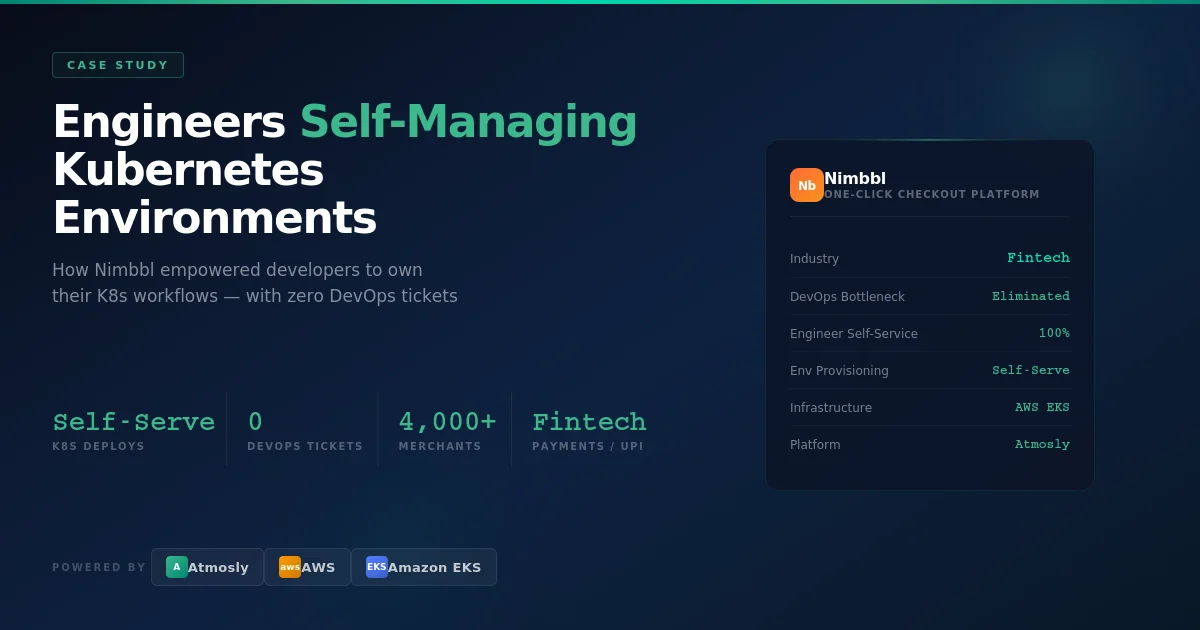
How SquareOps helped Nimbbl's 40-person engineering team self-manage non-prod Kubernetes environments on AWS EKS, with s...
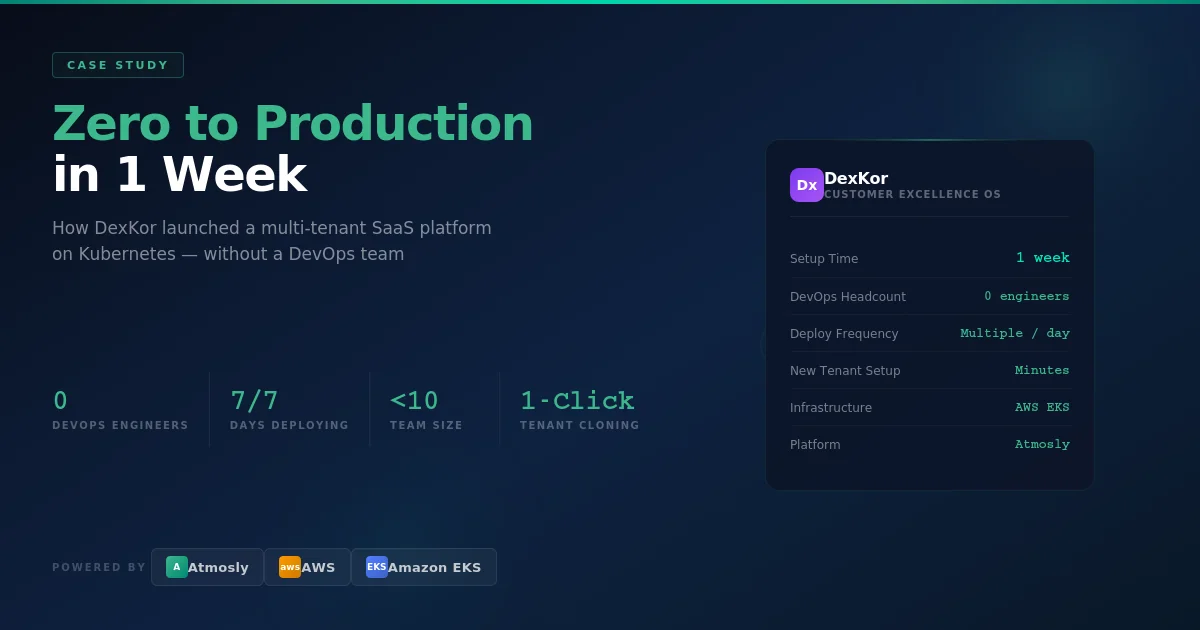

How SquareOps took DexKor, a SaaS team of under ten with no DevOps hire, from zero infrastructure to production on AWS E...