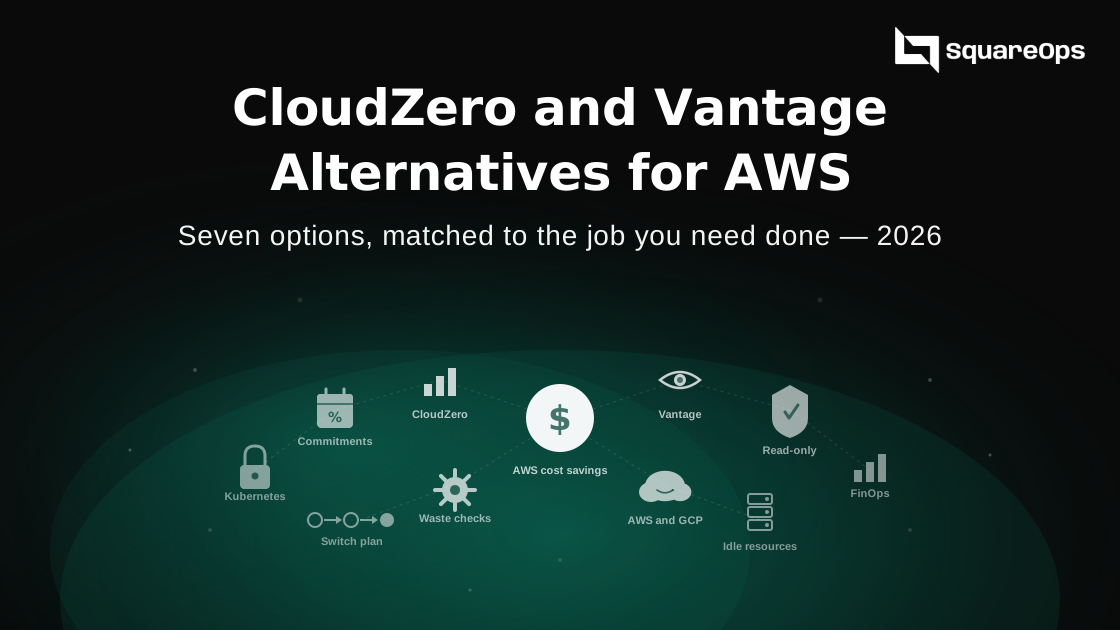
CloudZero and Vantage are both good cost tools, but they do not fit every team. CloudZero shines at cost per customer and does not publish its prices. Vantage has public plans, but each plan has a cap on the cloud spend it tracks, and most of its strength is reporting. If you mainly want to cut your AWS bill, the right alternative depends on the job: finding waste, buying commitments, splitting Kubernetes costs or simply seeing the bill. Pick the job first, then the tool.
Picture a SaaS company spending $80,000 a month on AWS. Its Vantage plan no longer covers its spend, and a CloudZero quote has come in that it did not budget for. The CFO asks a simple question. Do we need a cost platform at all, or do we just need someone to find the waste and switch it off? This guide helps you answer that.
A note before you read. SquareOps builds SpendZero, one of the tools on this list. We have an interest here. We have not ranked it first, and we say plainly when another tool is the better fit.
What CloudZero and Vantage Do Well
Before looking at alternatives, it is fair to say what each tool is good at. If these strengths are what you need, you may not need to switch at all.
- CloudZero is strong on unit costs. It divides your cloud bill by a business number you send it, such as customers or API calls. That gives you cost per customer or cost per feature. Few tools do this as well.
- CloudZero splits costs without perfect tags. Its rules can assign spend to teams and products even when your tags are messy.
- Vantage covers more than the cloud. It connects to 40 or more providers, including tools like Datadog and Snowflake, so you can see cloud and SaaS spend in one place.
- Vantage is easy to start with. It has a free plan and public prices, so a small team can try it without a sales call.
Why Teams Look for Alternatives
Most teams we speak to leave for one of four reasons. None of them means the tool is bad. They mean it is the wrong fit.
- Price you cannot predict. CloudZero gives every customer a custom quote. Third-party estimates suggest it often works out to a small share of your cloud spend, but there is no public rate card.
- Spend caps on each plan. Vantage plans are set by how much cloud spend they track. Once you pass the cap, you move up a tier or go to Enterprise, which needs a quote.
- Reports, not savings. Both tools show you where money goes. Neither will right-size your servers or delete idle disks for you by default. Someone still has to do the work.
- More tool than you need. A team with one AWS account and no FinOps person may never use unit costs or virtual tags.
| Plan | Price | Cloud spend tracked |
|---|---|---|
| Vantage Starter | Free | Up to $2,500 a month |
| Vantage Pro | $30 a month | Up to $7,500 a month |
| Vantage Business | $200 a month | Up to $20,000 a month |
| Vantage Enterprise | Custom quote | No limit |
| CloudZero | Custom quote | Not published |
One more cost to know about. Vantage's Autopilot buys AWS Savings Plans for you and, according to a competitor's review, charges 5% of the savings it makes on top of your plan. Check this with Vantage before you budget.
Pick the Job First
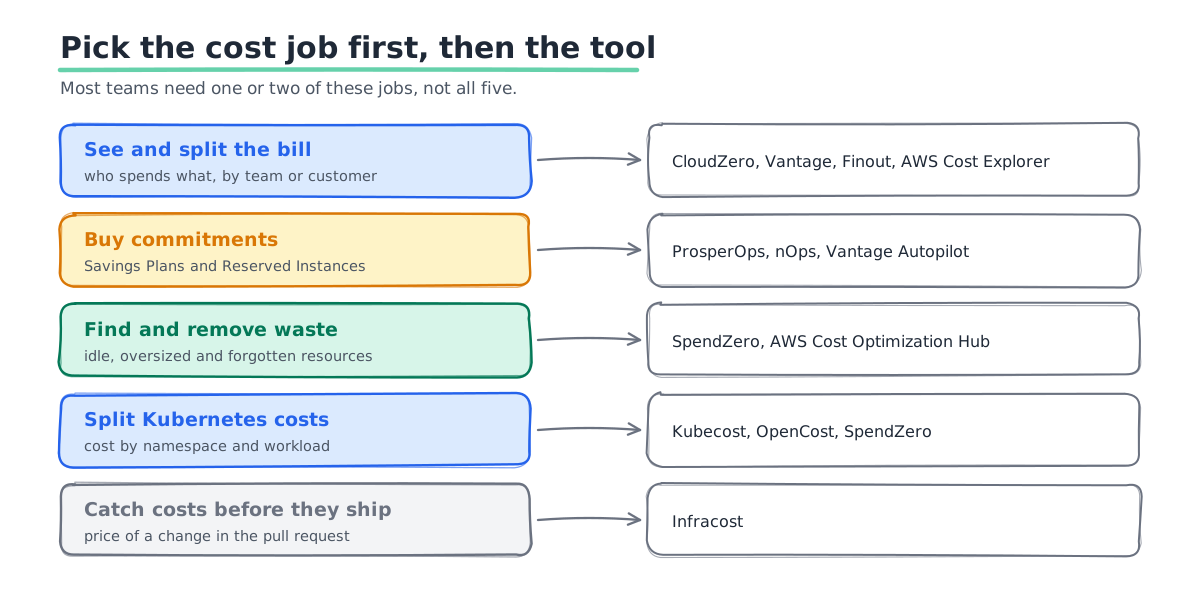
"Cost tool" covers at least five different jobs. Most teams need one or two of them, not all five.
- See and split the bill. Who spends what, by team, product or customer.
- Buy commitments. Savings Plans and Reserved Instances, bought and managed so you do not overcommit.
- Find and remove waste. Idle servers, oversized databases, old snapshots and unused IPs.
- Split Kubernetes costs. Cost by namespace, workload or team inside your clusters.
- Catch costs before they ship. Show the price of an infrastructure change in a pull request.
The Alternatives, Job by Job
AWS's own free tools
Start here before you pay for anything. Cost Explorer shows your spend. Cost Optimization Hub and Compute Optimizer list right-sizing and idle resource ideas. AWS Budgets sends alerts. All of these come at no extra charge.
Best for: teams with one or a few AWS accounts. Consider carefully if: you need cost per customer, or you want someone to act on the advice for you. These tools tell you what to do. They do not do it.
Finout
Finout focuses on splitting costs across teams and products, across clouds and tools like Datadog and Snowflake. It is a close alternative to CloudZero for allocation.
Best for: larger companies with a FinOps team and a messy tagging history. Consider carefully if: you are small. Like CloudZero, it is sold by quote.
ProsperOps
ProsperOps manages AWS Savings Plans and Reserved Instances for you, all the time. It charges a share of the savings it creates, set in your contract.
Best for: teams with steady compute spend and no time to manage commitments. Consider carefully if: your spend is small or very spiky. ProsperOps' own guidance suggests about $10,000 a month in cloud spend for it to add steady value.
nOps
nOps is an AWS-only platform that combines cost visibility with automated commitment buying and scheduling. It offers a free savings analysis before you sign.
Best for: AWS-only teams that want automation in one place. Consider carefully if: you also run Azure or GCP. Check its savings-share terms against a flat fee.
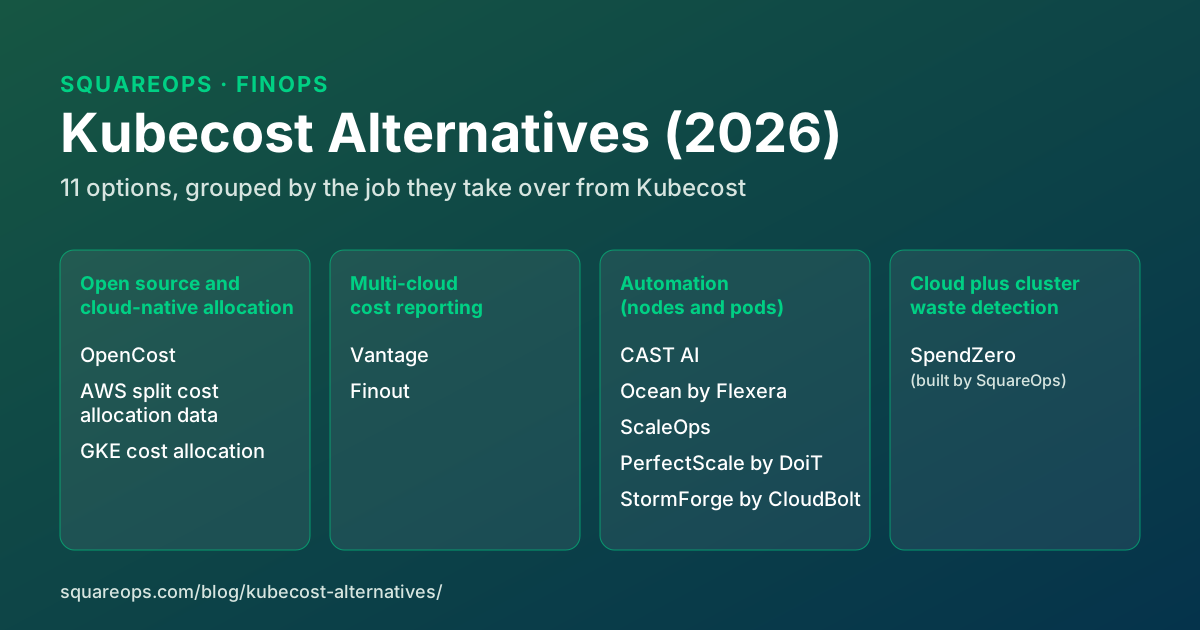
Kubecost and OpenCost
OpenCost is the open-source standard for Kubernetes cost splitting. Kubecost builds on it with a paid version and is now owned by IBM. Both show cost by namespace, workload and label.
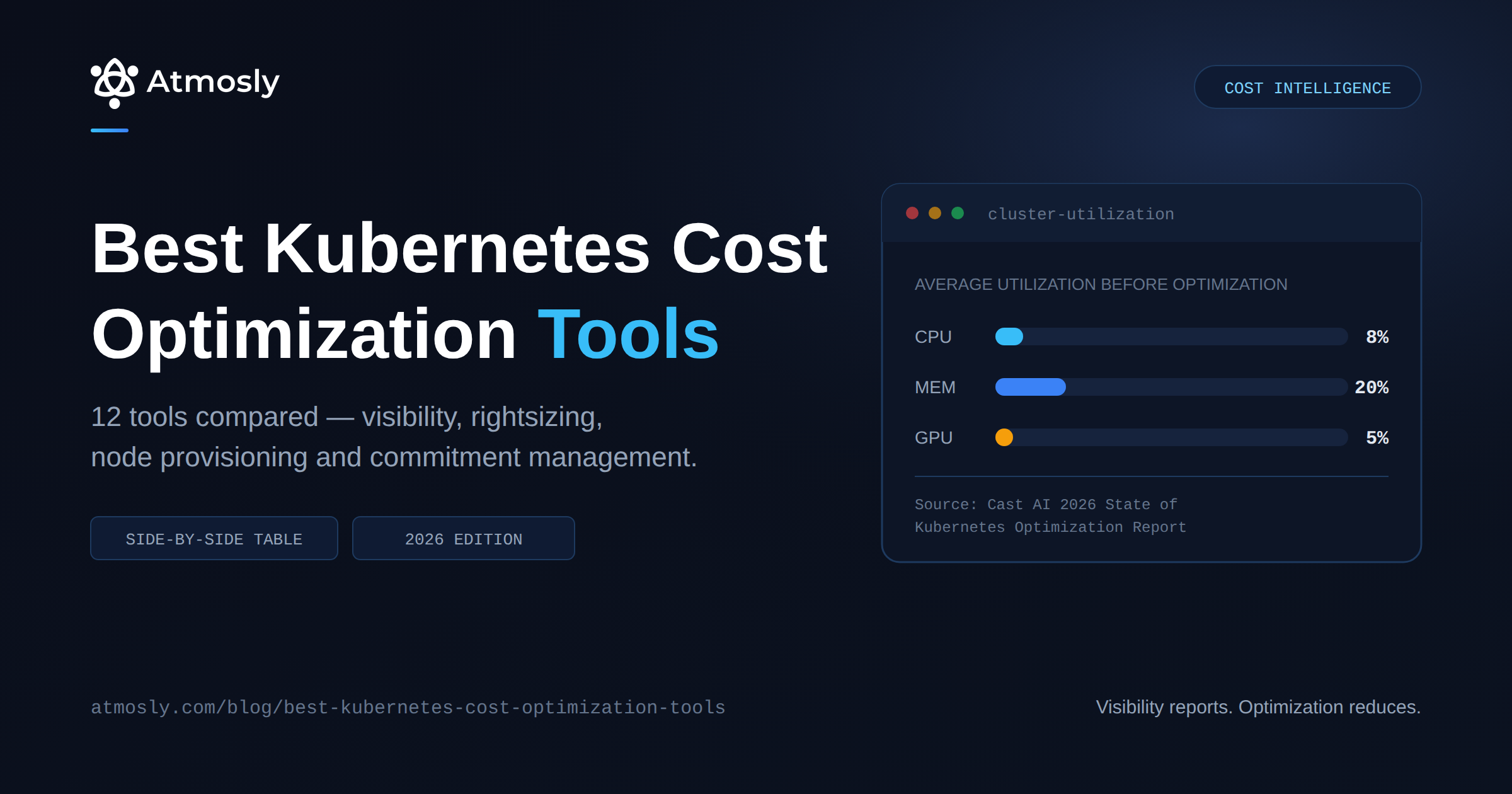
Best for: teams where most spend sits inside Kubernetes. Consider carefully if: most of your bill is outside clusters, such as RDS, S3 and data transfer. Our Kubernetes cost tools comparison goes deeper on this group.
Infracost
Infracost reads your Terraform and shows the cost of a change in the pull request. The core is open source.
Best for: teams that build everything with Terraform. Consider carefully if: you want to fix today's bill. It stops new waste but does not clean up old waste.
SpendZero (built by SquareOps)
SpendZero runs 37 or more checks for idle, oversized, storage, network, Kubernetes and commitment waste. Each finding comes with an estimated monthly saving. It connects with a read-only role and installs no agents. One-click actions, such as stopping or resizing a resource, only run after you confirm them, and every action is logged.
It works with AWS and Google Cloud today, including EKS and GKE. Azure support is coming soon. The first scan is free. Ongoing monitoring, actions and managed optimization are paid, and we quote those directly. We can also run it for you as a managed service.
Best for: teams that want waste found and removed, not another dashboard. Consider carefully if: you need cost per customer, Azure today, or one view across SaaS tools like Datadog and Snowflake. CloudZero or Vantage do those jobs better.
Side-by-Side Summary
| Tool | Main job | Pricing model | Clouds |
|---|---|---|---|
| AWS native tools | See the bill, get advice | Free | AWS |
| Finout | Split the bill | Quote | AWS, Azure, GCP |
| ProsperOps | Buy commitments | Share of savings | AWS, plus others |
| nOps | AWS automation | Savings share or flat fee | AWS |
| Kubecost / OpenCost | Kubernetes costs | Free open source, paid tiers | Any Kubernetes |
| Infracost | Cost before you ship | Free open source, paid tiers | AWS, Azure, GCP |
| SpendZero | Find and remove waste | Free scan, then quote | AWS, GCP (Azure coming soon) |
Want the full field? Our 20 best FinOps tools comparison covers CloudZero, Vantage and many more side by side.
How to Switch Without Losing History
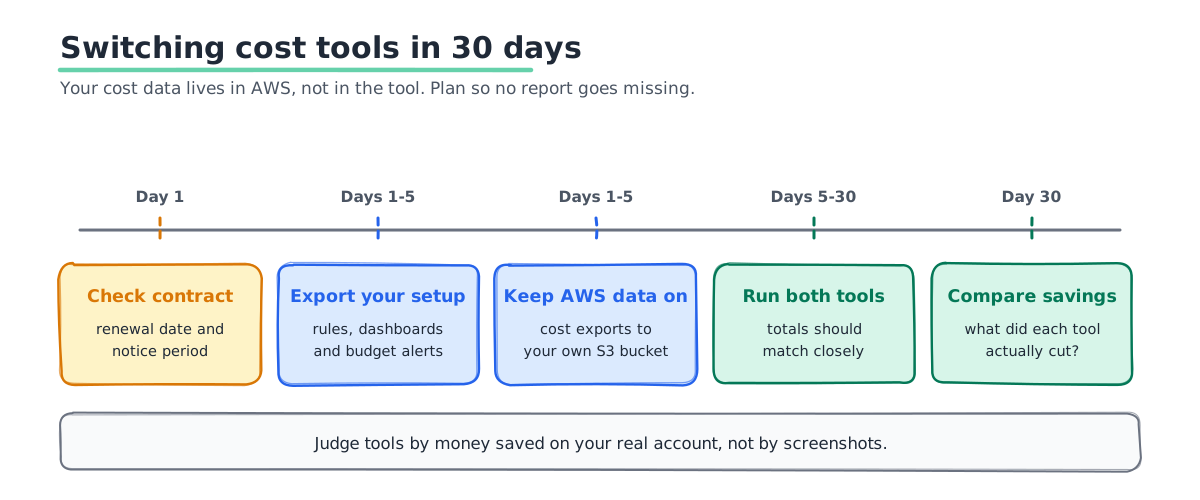
Moving off a cost tool is easier than moving off most software. Your data lives in AWS, not in the tool. Still, plan the switch so nobody loses a month of reports.
- Check your contract dates. Find the renewal date and the notice period before you start testing.
- Export what you built. Save your allocation rules, dashboards and budget alerts. You will need to rebuild them.
- Keep AWS's own data on. Make sure Cost and Usage Reports or Data Exports run to your own S3 bucket. That is your history, whatever tool you use.
- Run both tools for one month. Compare totals. They should match within a small margin.
- Measure savings, not features. After 30 days, ask what each tool actually helped you cut.
Mistakes We See
- Buying a platform to fix a people problem. If nobody owns cost, no tool will cut it. Name an owner first.
- Paying for unit costs you never use. Cost per customer is powerful, but only if someone reads it every month.
- Skipping the free tools. AWS's own advice is often enough for the first round of savings.
- Stacking tools that overlap. Two tools buying Savings Plans for the same account can overcommit you.
- Judging on screenshots. Ask every vendor for a trial on your real account, including us.
Once you have a tool, track the right numbers. Our guide to FinOps KPIs for engineering leaders lists the ones worth a monthly review.
Find Out What You Could Cut
Run a free SpendZero scan on your AWS or GCP account. It takes a few minutes with a read-only role, and you get a ranked list of savings with an estimate for each. If a different tool fits you better, we will tell you. Start a free SpendZero scan, or talk to our FinOps team.